Connect toSend
Connect your toSend account. The emails your users get then go out through toSend, from your own address.
Before you start, read Connect your email provider. This article covers what is specific to toSend.
toSend only sends mail from addresses and domains that you have verified in toSend. Verify your From address there before you connect. toSend's guide to API keys is at https://docs.tosend.com/guide/api-keys.html.
Who can use it
Only a workspace owner or admin can connect a provider. Only workspace owners and admins can open Email providers.
Connect toSend
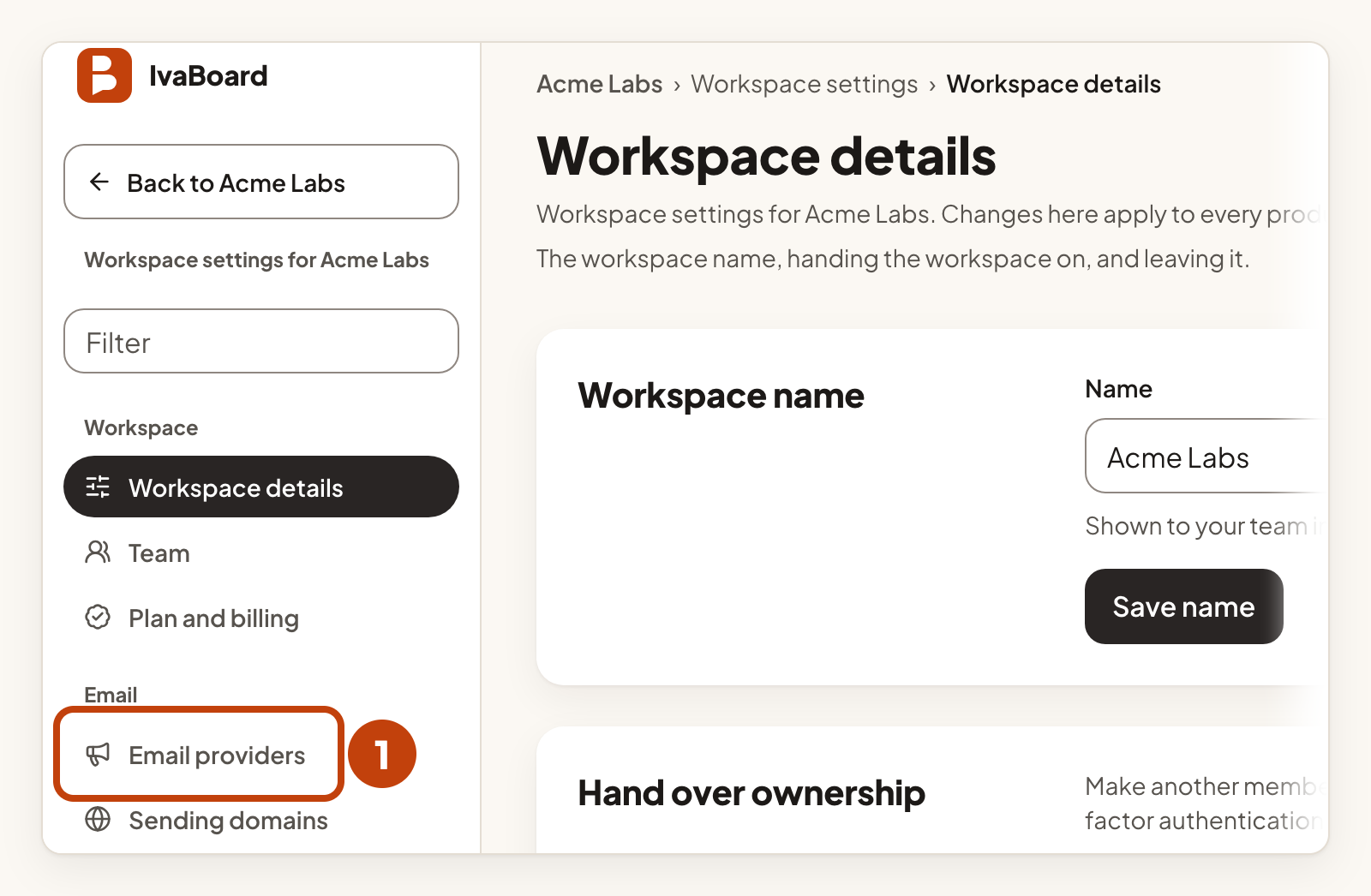
- Open Email providers in your workspace settings.
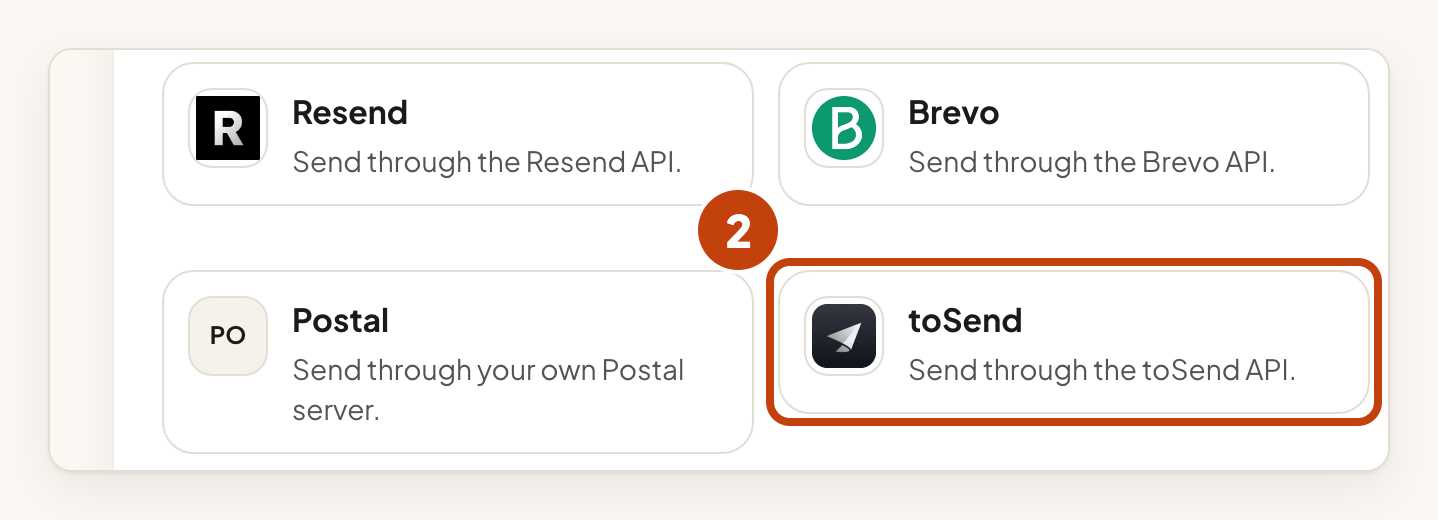
- Select toSend under Email services.
- Type a short name in Name, such as Acme Notes toSend.
- Type the address your users see in From address.
- Type your company name in From name (optional).
- Paste your toSend API key into API key.
- Select Connect provider.
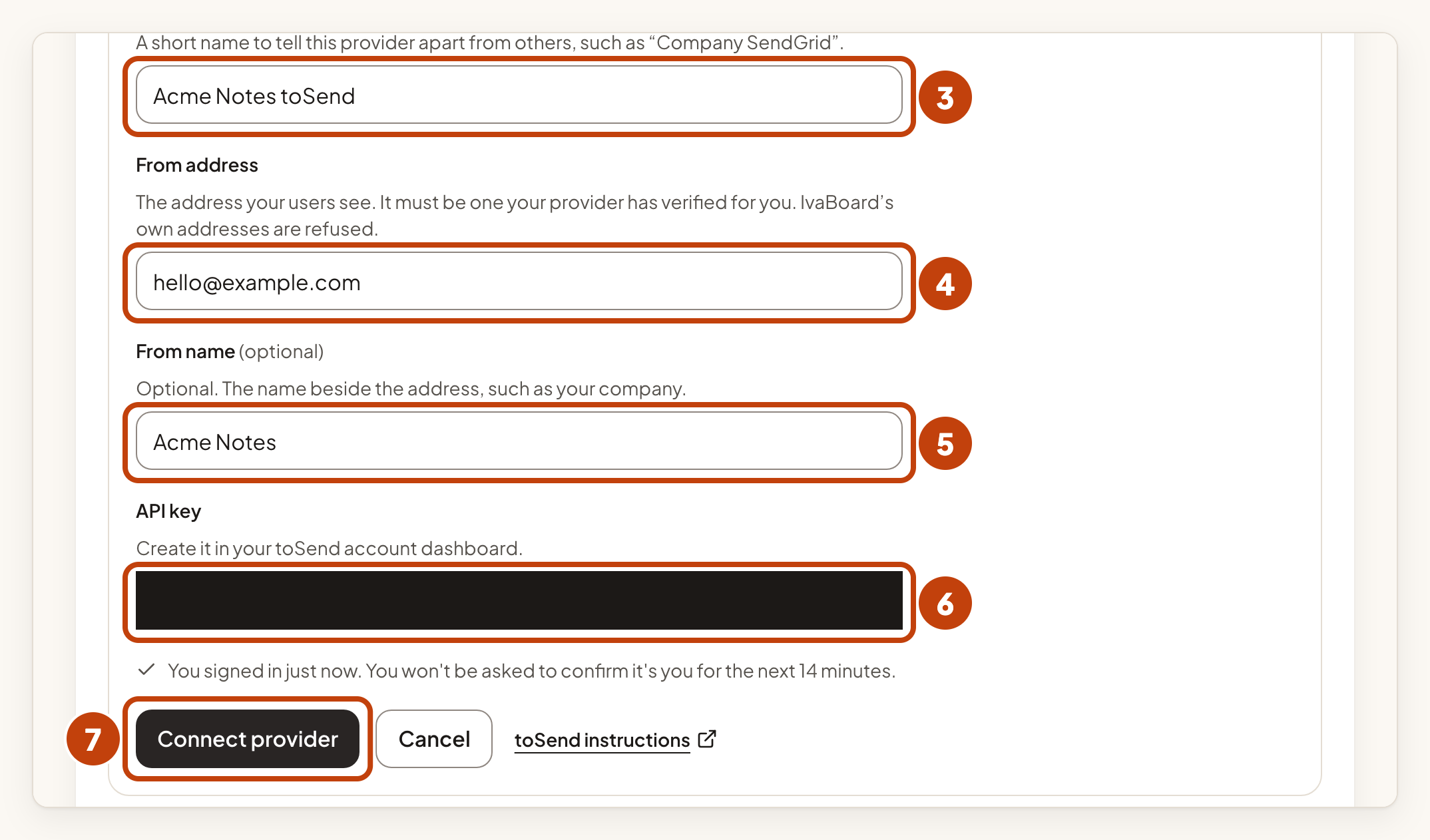
Create the API key in your toSend account dashboard. IvaBoard saves the key securely and shows only its last few characters after that.
Check the connection and send a test email
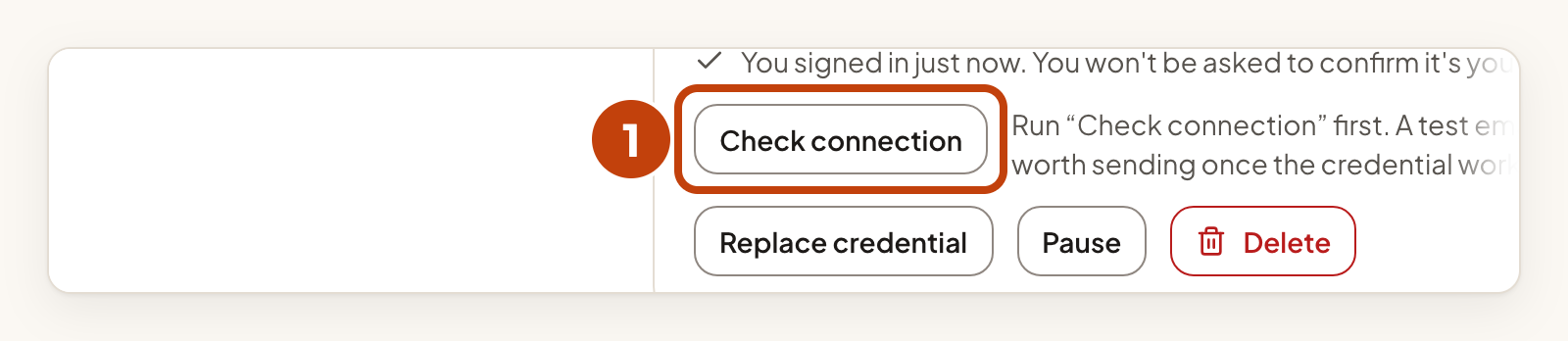
- Select Check connection on your toSend card.
- The result shows on the card within about a minute. If it does not, reload the page.
- Select Send a test email once the check has passed.
- Reload the page to see the result.
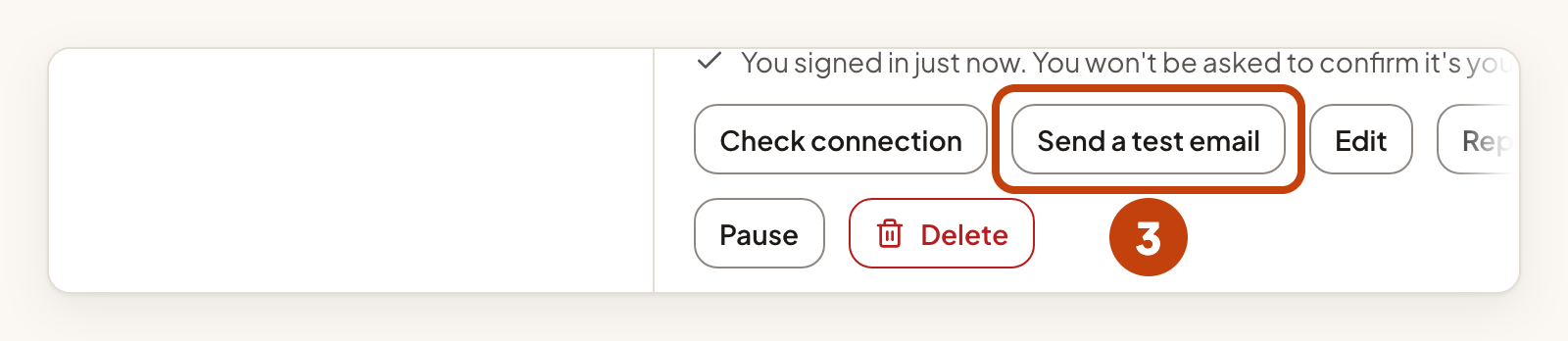
The test email goes to your own verified address, not to your users. When both pass, the card shows Active. Then choose toSend for a product in its email sender settings. Connect your email provider explains how.
If the card says "The provider refused the credential", select Replace credential on the card, paste a new API key and check the connection again. If it says "The provider refused the From address", select Edit on the card and use an address that toSend has verified.
Bounce reports
Bounce reports are not available for this provider yet.
Example
For example, Sam connects toSend for Acme Notes. Sam types Acme Notes toSend in Name, [email protected] in From address and pastes the API key into API key. Then Sam selects Connect provider and checks the connection.
