See which customers are behind each idea
You can record a company, a plan and a monthly revenue figure for each customer. IvaBoard then shows how much revenue stands behind each idea. You can also sort the inbox by that revenue, so the requests from your biggest customers come first.
Only your team sees these details. They never appear on your portal or in emails. The survey answers CSV, which managers can download, includes each answering customer's company, plan and monthly revenue, for staff who can see customer details.
Who can use it
All plans. Owners, admins, and members with the Manager or Moderator level can read and edit customer details and see revenue. Members with the Viewer level see neither. Only owners, admins, and members with the Manager level can change the revenue currency.
Choose the currency
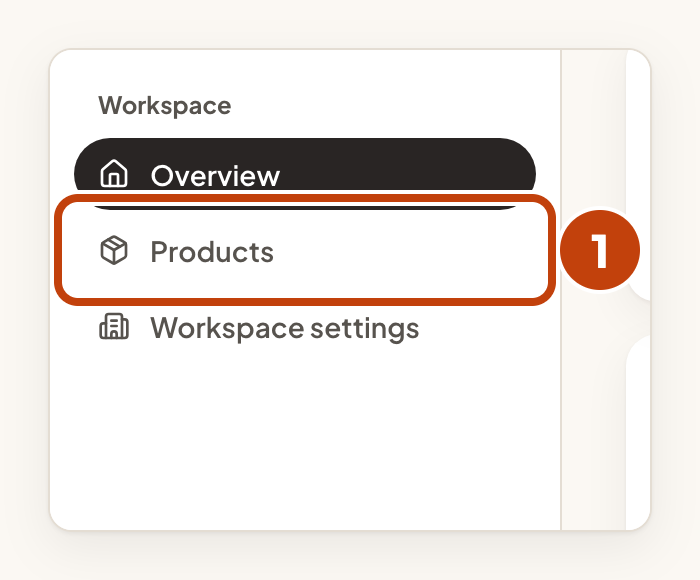
- Select Products in the sidebar.
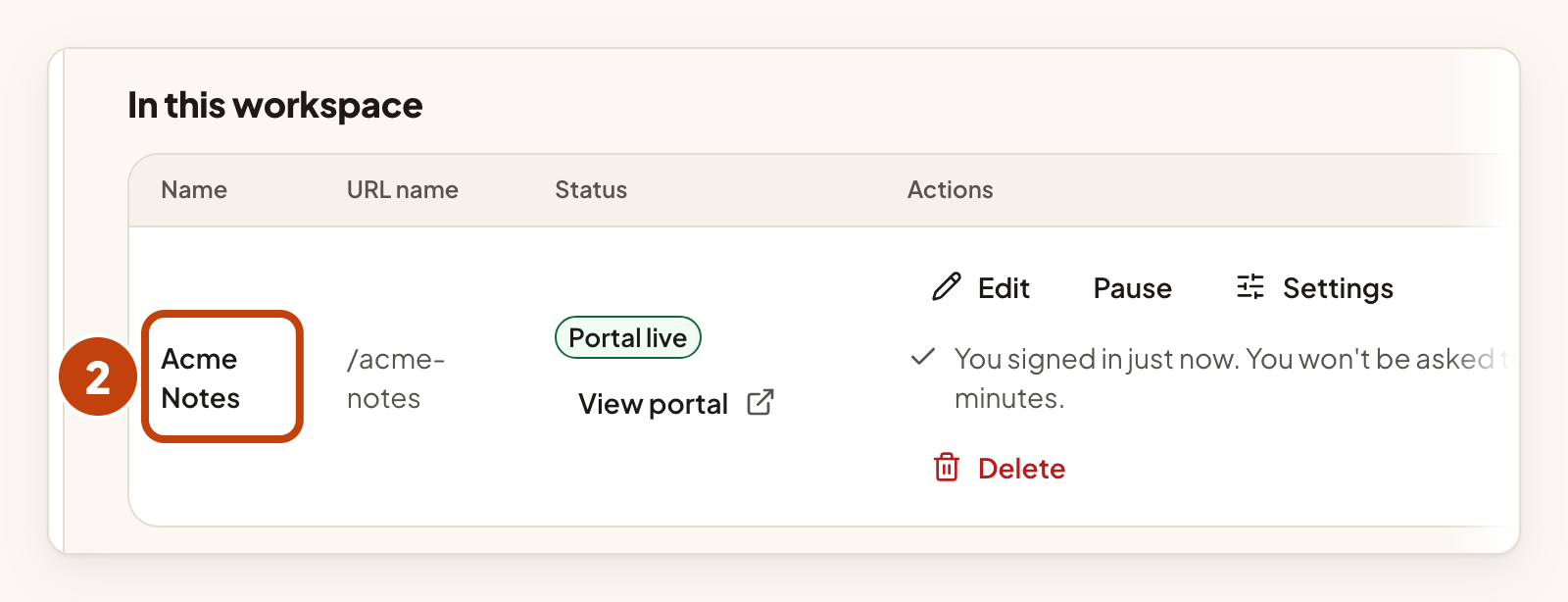
- Select your product's name.
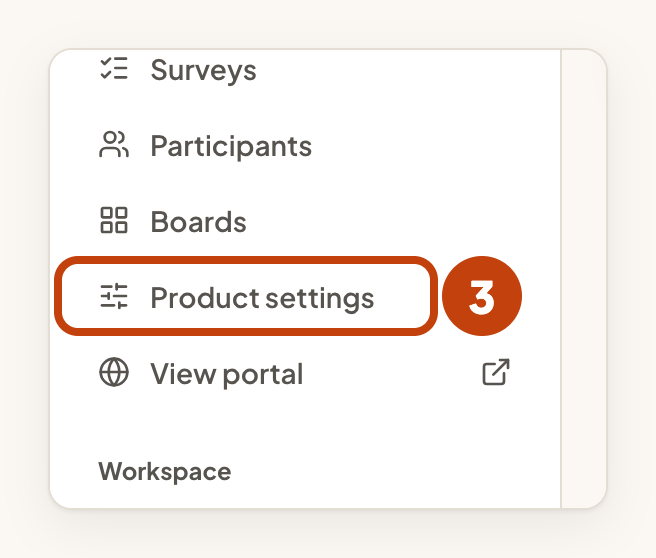
- Select Product settings in the sidebar.
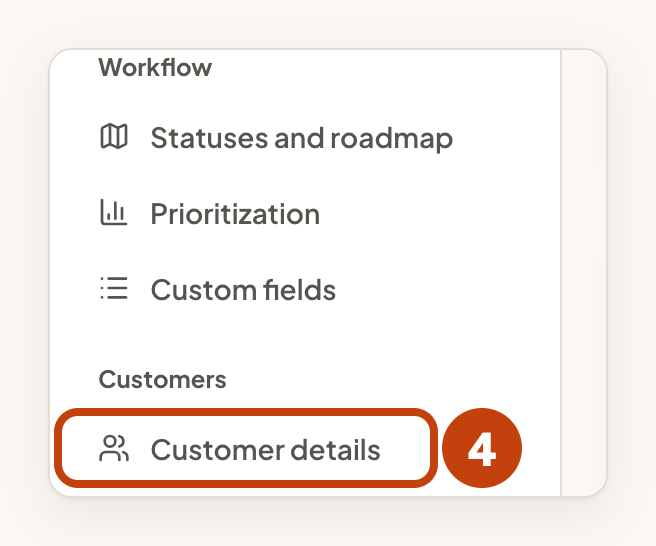
- Select Customer details.
- Under Revenue currency, choose a Currency.
- Select Save currency.
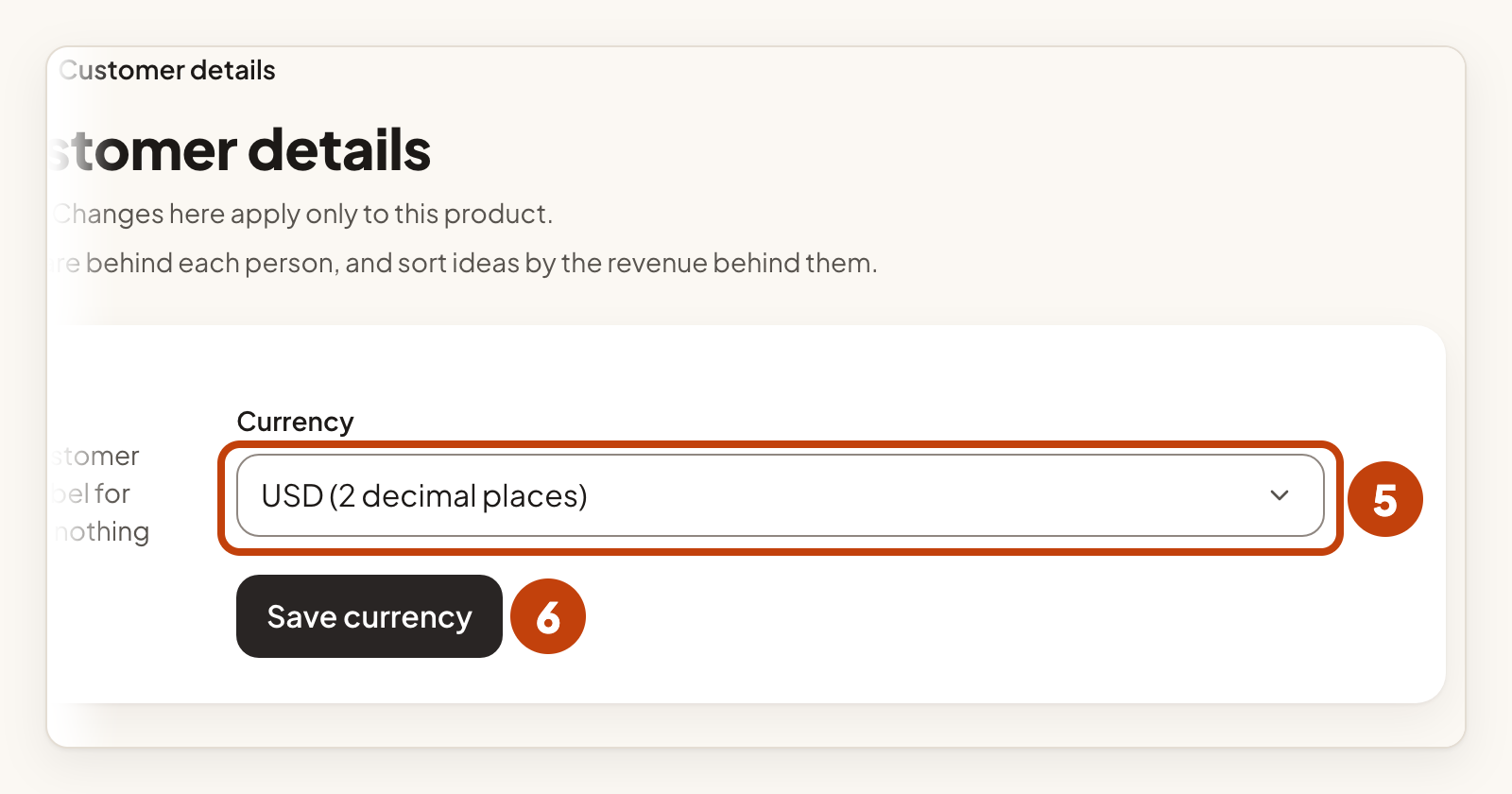
The currency is a label for the figures you type in. Nothing is converted.
The currency locks when the first revenue figure is saved. To change it later, clear the revenue figures first.
Record customer details
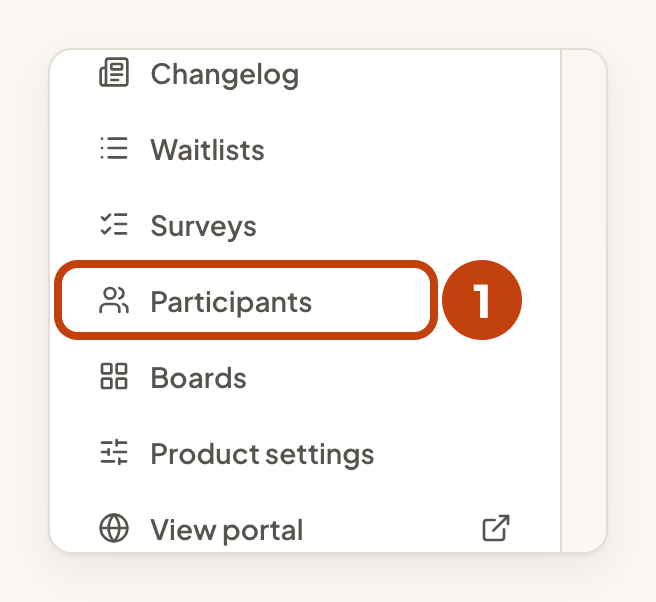
- Select Participants in the sidebar.
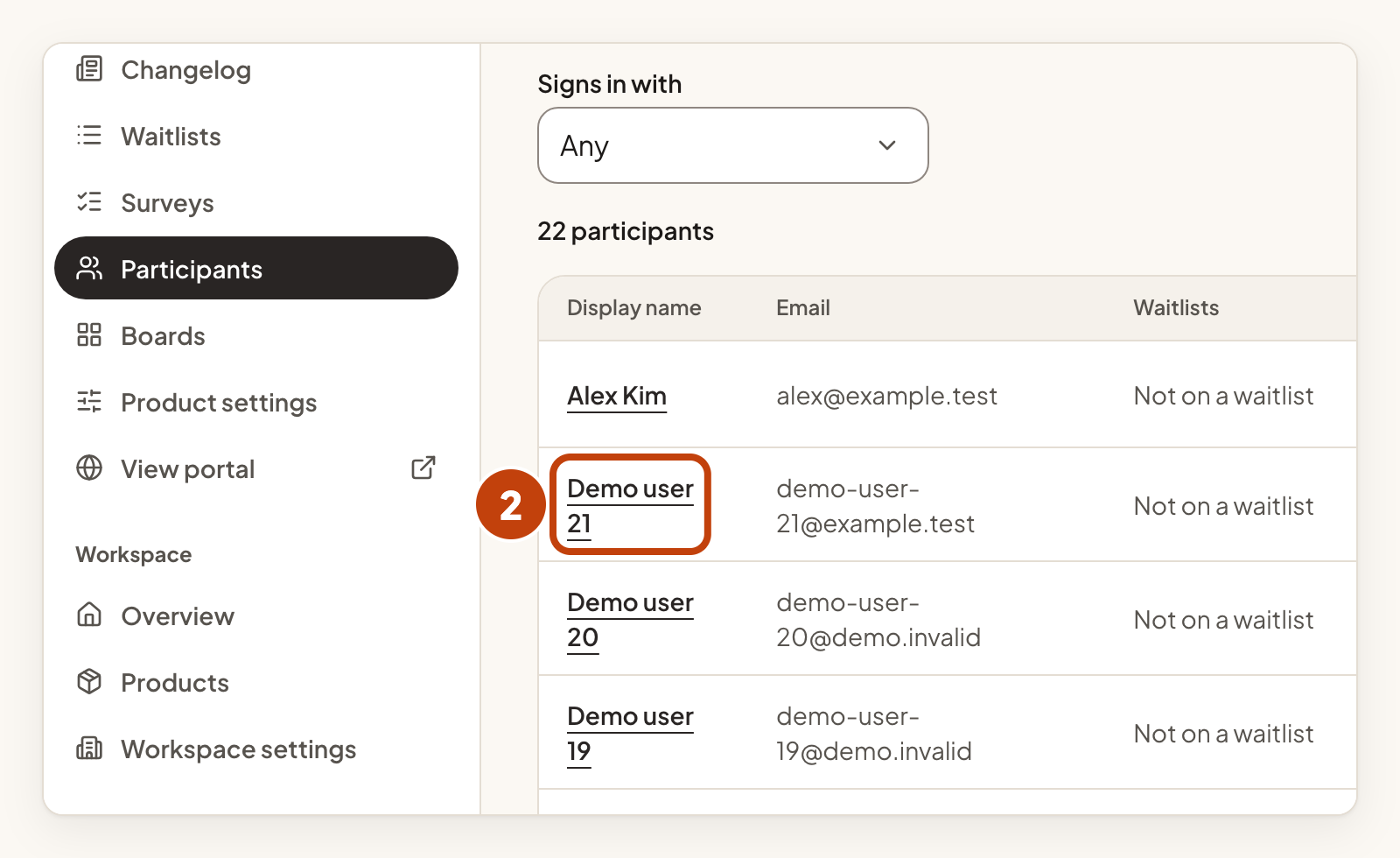
- Select the person's name.
- Type the company in Company, up to 80 characters.
- Type the plan in Plan, up to 40 characters.
- Type the monthly revenue in Monthly revenue, such as 1250 or 1250.50.
- Select Save customer details.
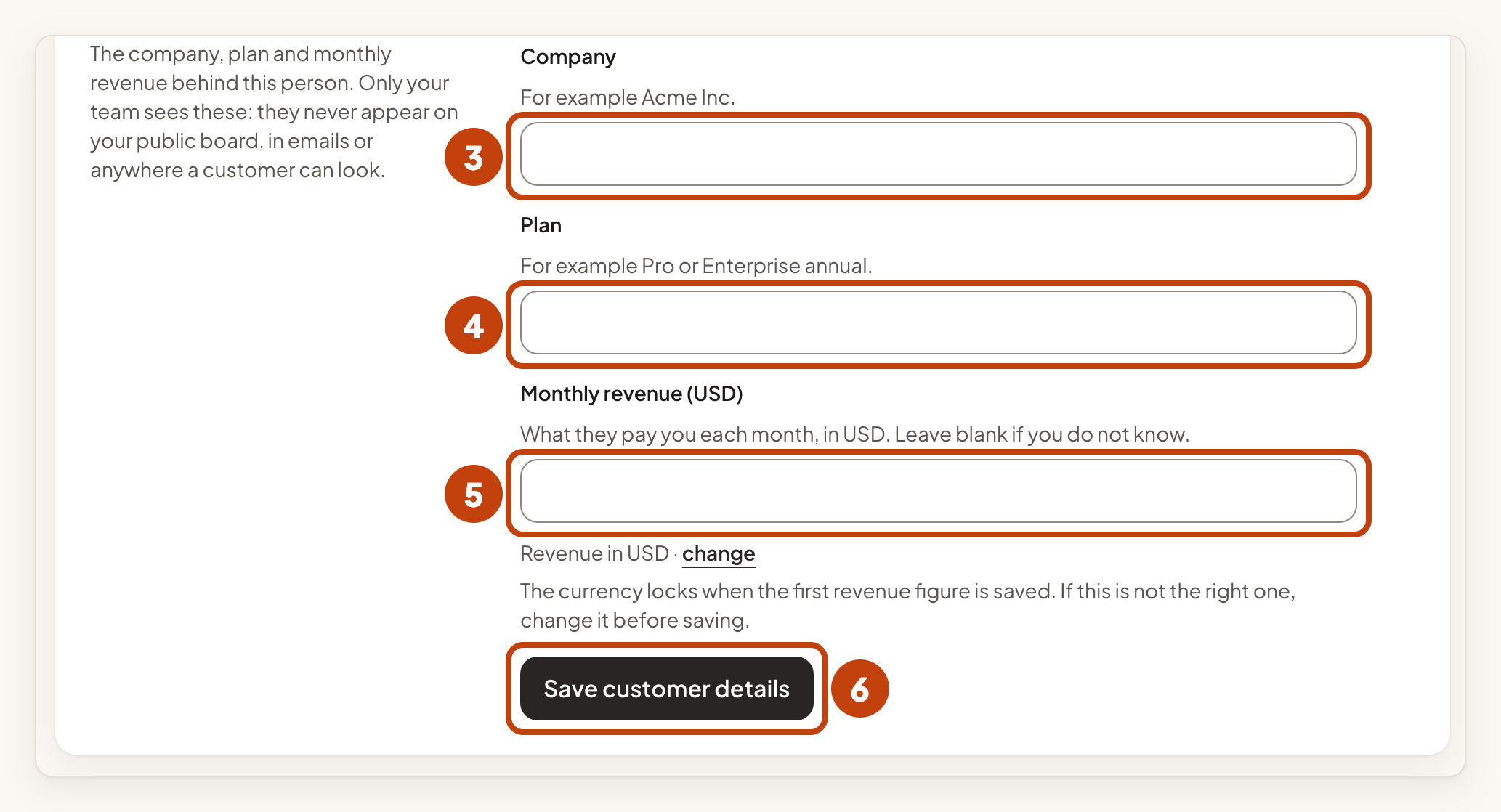
Type a plain number with no currency symbol. Leave Monthly revenue blank if you do not know it. To remove everything for a person, select Clear details.
See revenue on an idea
Open an idea and look at the Revenue behind this idea panel. It adds up the monthly revenue of everyone who voted, and counts each person once. A voter with no figure counts as zero. The panel also says how many voters have a figure, for example "from 3 of 8 voters". Only your team sees this panel.
Sort the inbox
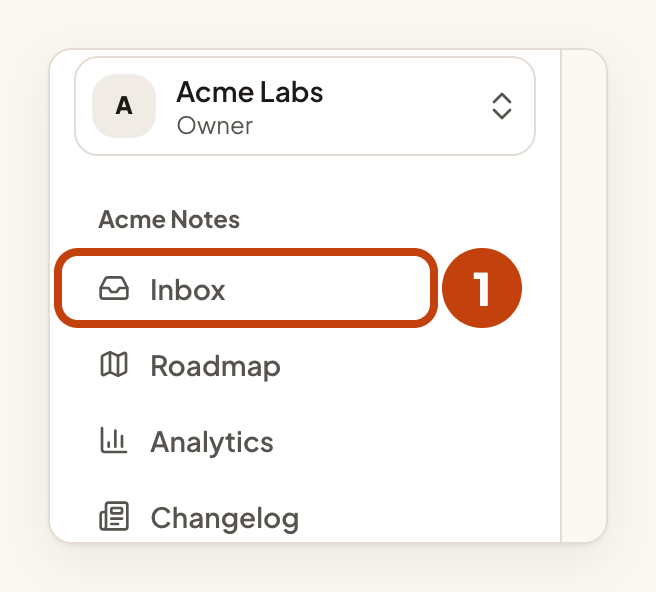
- Select Inbox in the sidebar.
- Select Revenue behind it above the list.
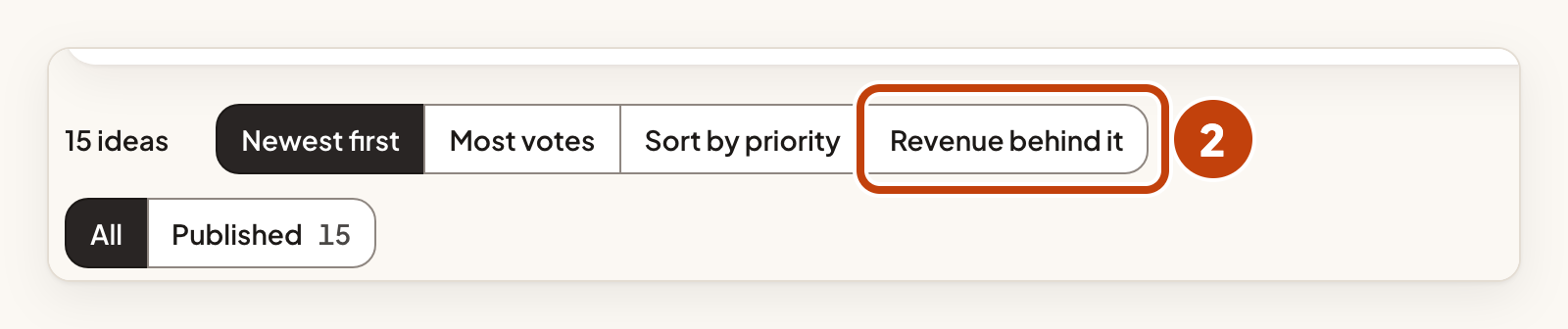
The Revenue column then shows the figure for each idea. The sort is offered in a product's own inbox.
Example
For example, Sam sets the currency for Acme Notes to USD. Sam then opens the page for Demo user 21, types Acme Labs in Company, Pro in Plan and 1250.50 in Monthly revenue, and selects Save customer details. The idea Dark mode for the mobile app now shows the revenue of the people who voted for it.
