Hold posts that match keyword rules
Keyword holds send a new idea or comment to your review queue when it contains a phrase you choose. A held post is not published until someone on your team approves it. Approving it publishes it as usual. Setting up the rules takes about five minutes.
Keyword holds are off until your staff switch them on. A held post stays hidden until someone approves it. A rejected post stays hidden, and nothing is deleted.
Who can use it
All plans. Owners, admins and a Manager of the product can set the rules and switch holds on or off. Owners, admins, a Manager and a Moderator can review held posts. A Viewer, a participant or an integration key cannot do either.
Set up keyword rules
- Open Product settings for your product.
- Select Spam holds under Workflow. The page heading reads Keyword rules.
- In Rules, one phrase per line, type one phrase on each line. Each phrase needs at least two letters or numbers.
- Type a made-up idea in Sample title or Sample details.
- Select Check text.
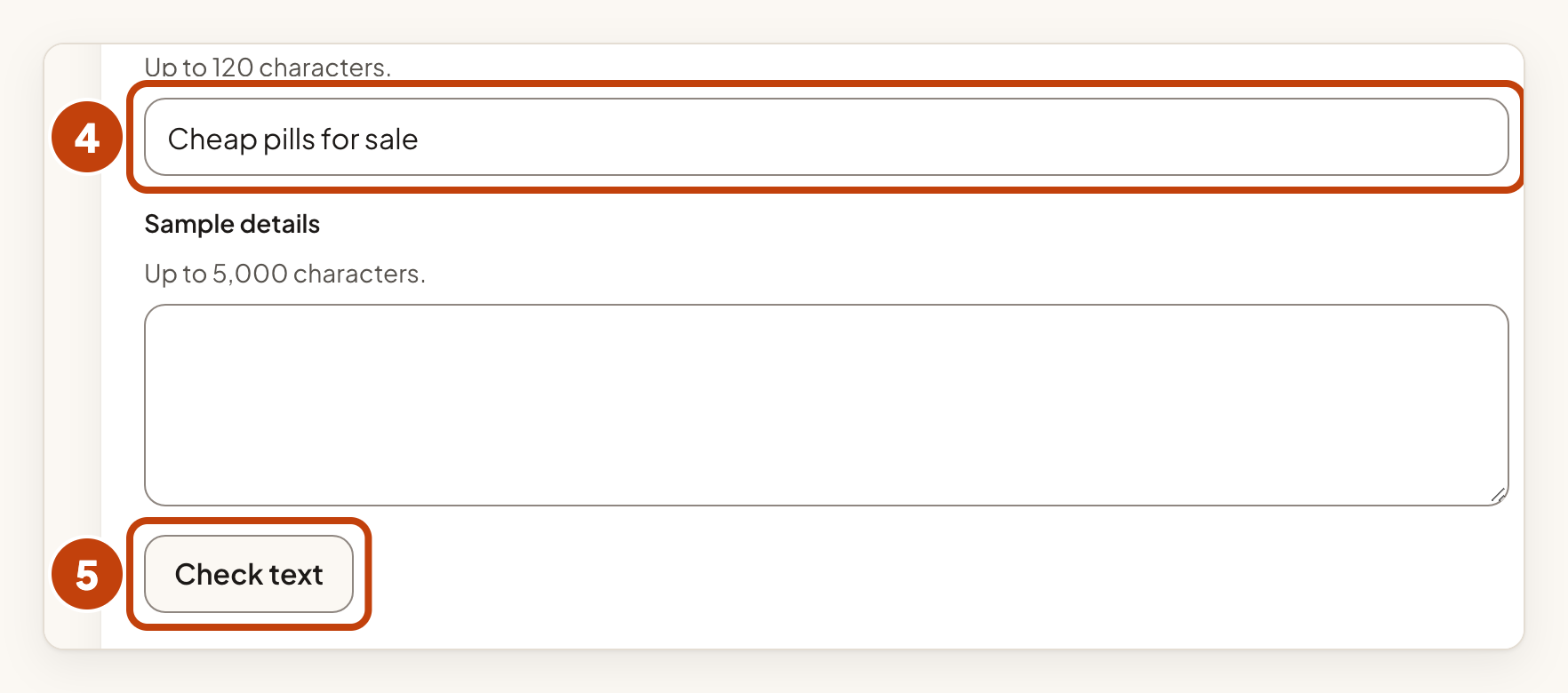
- Read the result. It shows which rule matched and where. Change the rules if an honest idea matches.
- Select Save spam holds.
- Turn on Hold new ideas and comments that match a rule.
- Select Save spam holds again. Matching posts now go to Held for review.
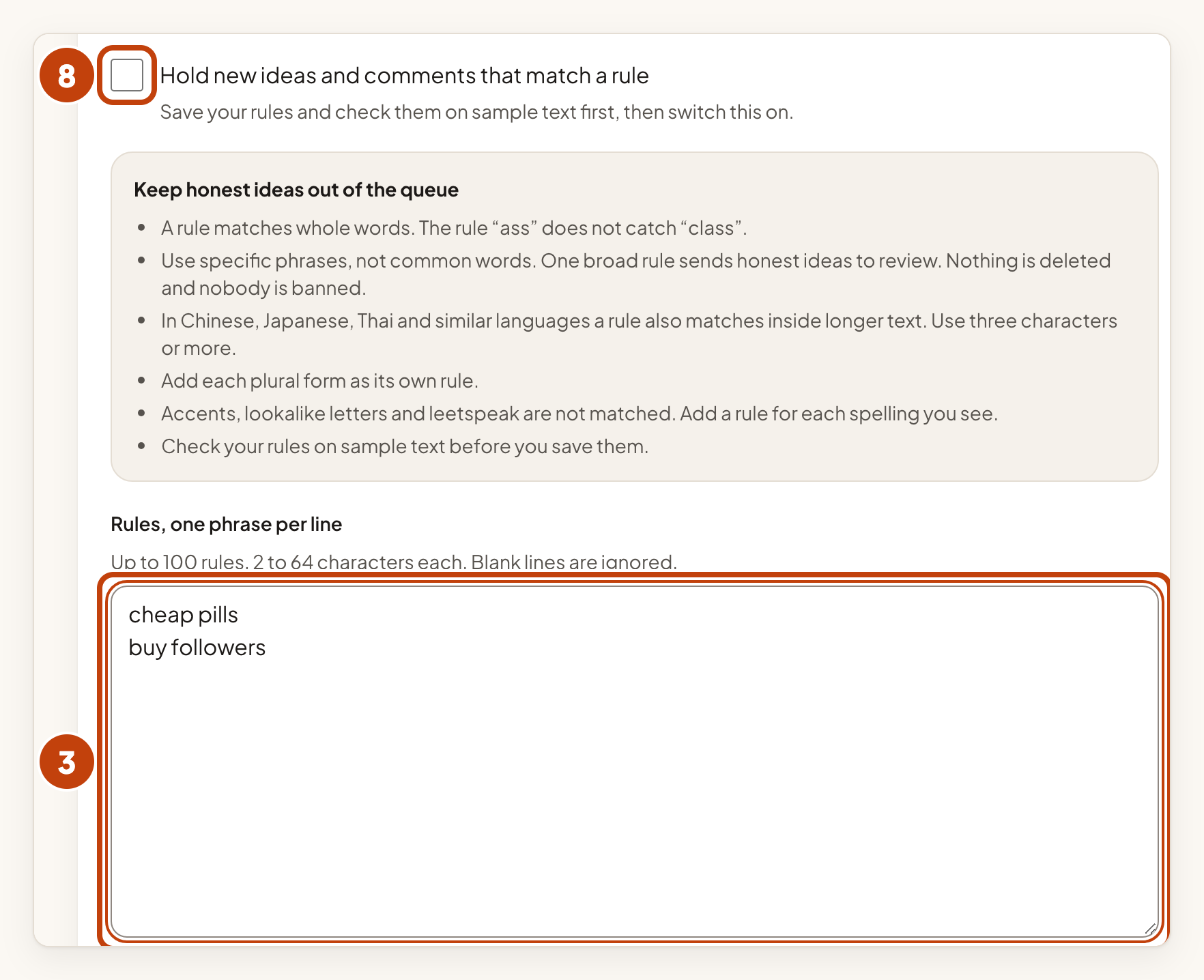
You can have up to 100 rules. Each rule is 2 to 64 characters long.
Review held posts
When a new idea or comment matches a rule, it waits in Held for review. The author sees only a sentence that says the post is waiting for review.
- Open Product settings for your product.
- Select Held for review under Workflow.
- Read each item. The line that starts with Held by the rule: shows the phrase and where it matched.
- Decide on the item: Approve publishes it as usual, and Reject keeps it hidden.
How holds work
- A rule matches whole words. The rule "ass" does not catch "class".
- Use specific phrases, not common words. One broad rule sends honest ideas to review.
- In Chinese, Japanese, Thai and similar languages, a rule also matches inside longer text. Use rules of three characters or more.
- Add each plural form as its own rule.
- Accents, lookalike letters and leetspeak are not matched. Add a rule for each spelling you see.
- Posts that your staff write are never held.
- An edit that adds a matching phrase sends the post back to review, even if it was already published.
When 500 held posts are waiting in Held for review, a new post that matches a rule is refused. The author sees: "This board's review queue is full right now; please try again later." Approve or reject some of them to make room.
Example
Sam is an admin at Acme Notes. Sam adds the rule "cheap pills" and checks it on the sample title "Cheap pills for sale". Sam saves the rules, turns on the switch and saves again.
Later, a customer posts an idea called "Cheap pills for sale". The idea waits in Held for review. Sam reads it, sees the line "Held by the rule: cheap pills (in the title)", and selects Reject. The idea stays hidden.
