Export your data
You can download a product's ideas, votes and comments as one CSV file. Use it for your own records, as a backup, or to study the feedback in a spreadsheet.
Export your data before you delete a product or your workspace.
Who can use it
Every plan. An Owner, an Admin or a member with the Manager level on the product can export its data. The file includes everything, including each author's email address and the team-only comments.
Request and download an export
- Open Product settings for your product.
- Select Export data.
- Select Generate export.
- Select Refresh exports until State shows Ready.
- Select Download on the export's row.
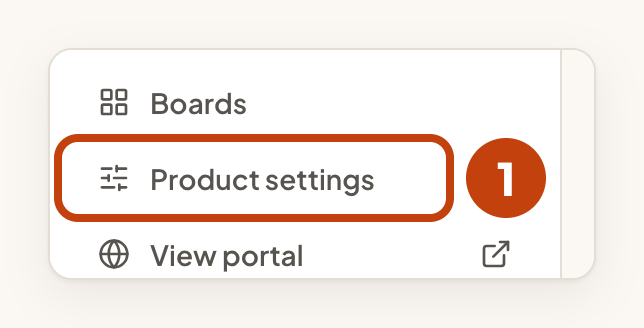
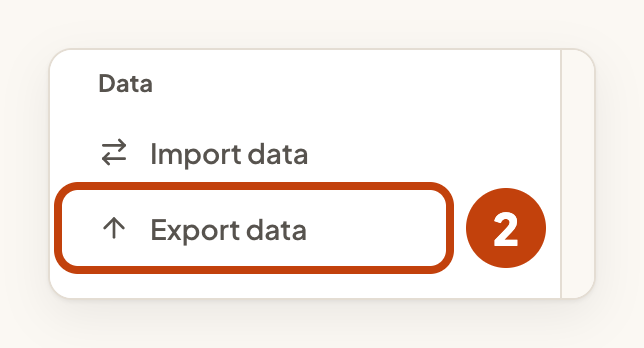
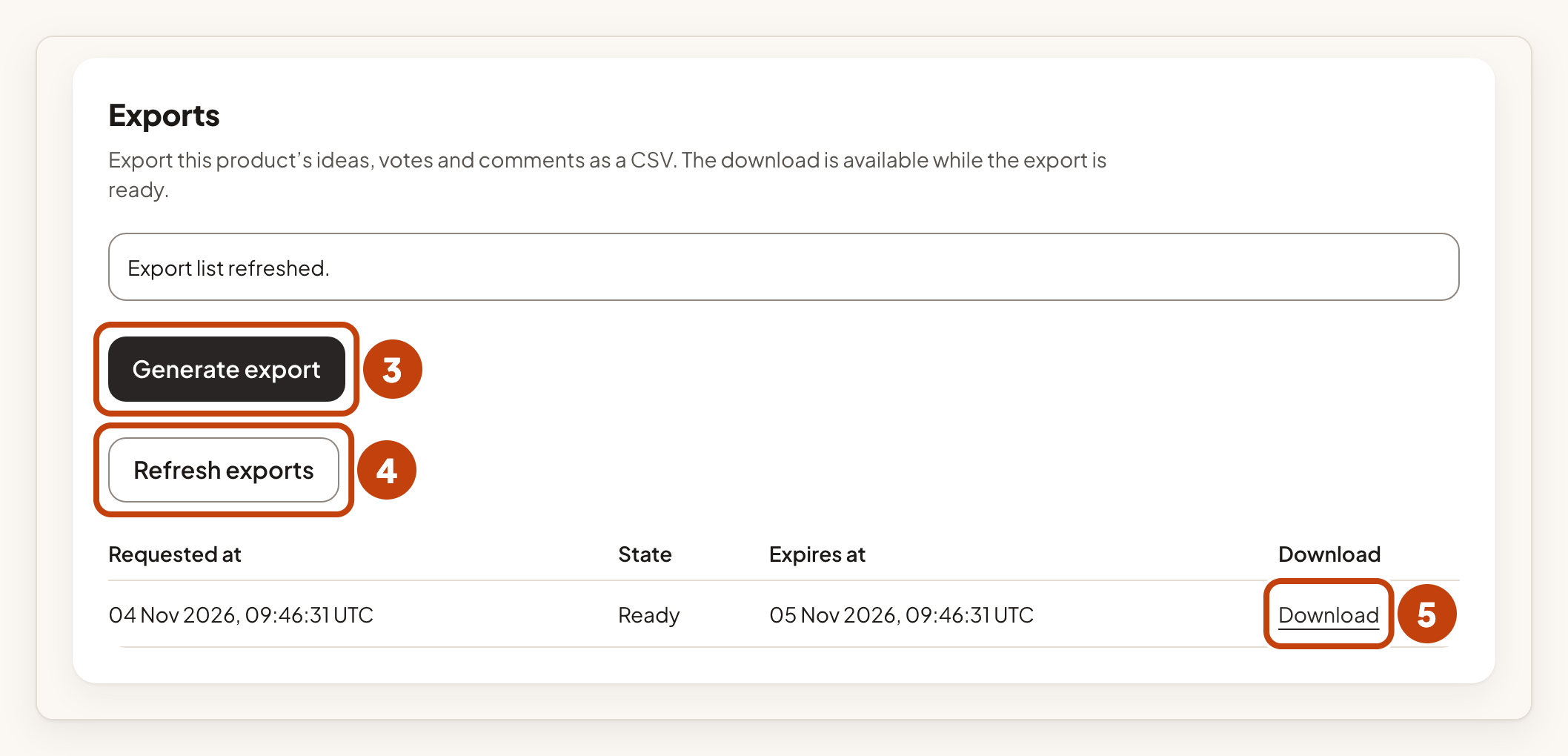
The file is named after the product's URL name and the date, for example acme-notes-2026-11-04.csv.
While the file is being made, State shows Preparing. A ready export can be downloaded for 24 hours. The Expires at column shows until when. After that, Download no longer works, even while State still shows Ready. A daily clean-up then removes the file, and State shows Expired. To get a fresh file, select Generate export again.
Each workspace can request up to 3 exports per UTC day. The limit is shared by all its products and team members.
What is in the file
Each row is one idea, one vote or one comment. The column record_type says which.
The other columns hold the ids, the author's display name, the title or text, the state, the vote count and the date. Each custom field on ideas gets its own column, named field: followed by the field's name.
A cell that starts with =, +, - or @, even after spaces or tabs, or that starts with a tab or a line break, gets a quote mark in front of it. A spreadsheet then shows it as text and does not run it as a formula.
The file holds your customers' personal data when your role allows it. Store it safely, and delete it when you no longer need it.
Example
For example, Sam Taylor opens Export data for Acme Notes and selects Generate export. When State shows Ready, Sam selects Download. Sam then opens acme-notes-2026-11-04.csv in a spreadsheet.
