Delete a product, and restore it
You can delete one product and leave the rest of your workspace as it is. The product leaves your workspace at once, and its portal goes offline. For 14 days, any owner can restore it.
Who can use it
Every plan. Only an owner can delete a product. You may be asked to sign in again, and you need two-factor authentication set up. Any owner can restore a deleted product.
What happens when you delete a product
- The product leaves your workspace right away, and its portal goes offline.
- Nobody can change it until it is restored.
- Exports and imports for it stop.
- It no longer counts towards your plan's product limit. Its custom domains no longer count towards your domain limit.
- It keeps its web address name and its custom domains until it is erased. A new product cannot use them yet.
- After 14 days, you can no longer restore it. Its ideas, comments, votes, roadmap and changelog are then erased for good in the daily clean-up. Backups keep a copy for up to 30 days.
Restore the product before the date shown. After that date, a restore is not possible, even if the erasure has not run yet.
Delete a product
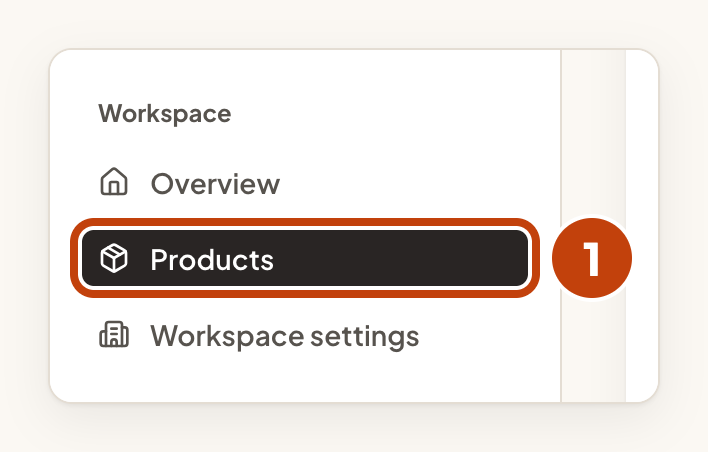
- Open Products.
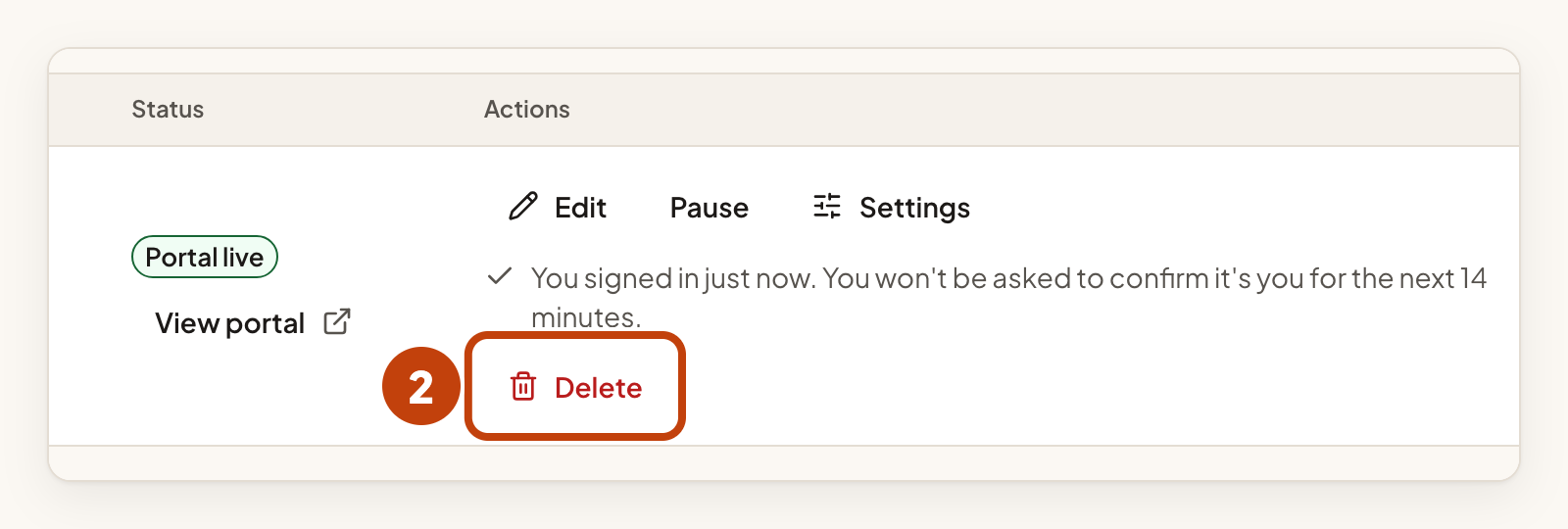
- Select Delete on the product's row.
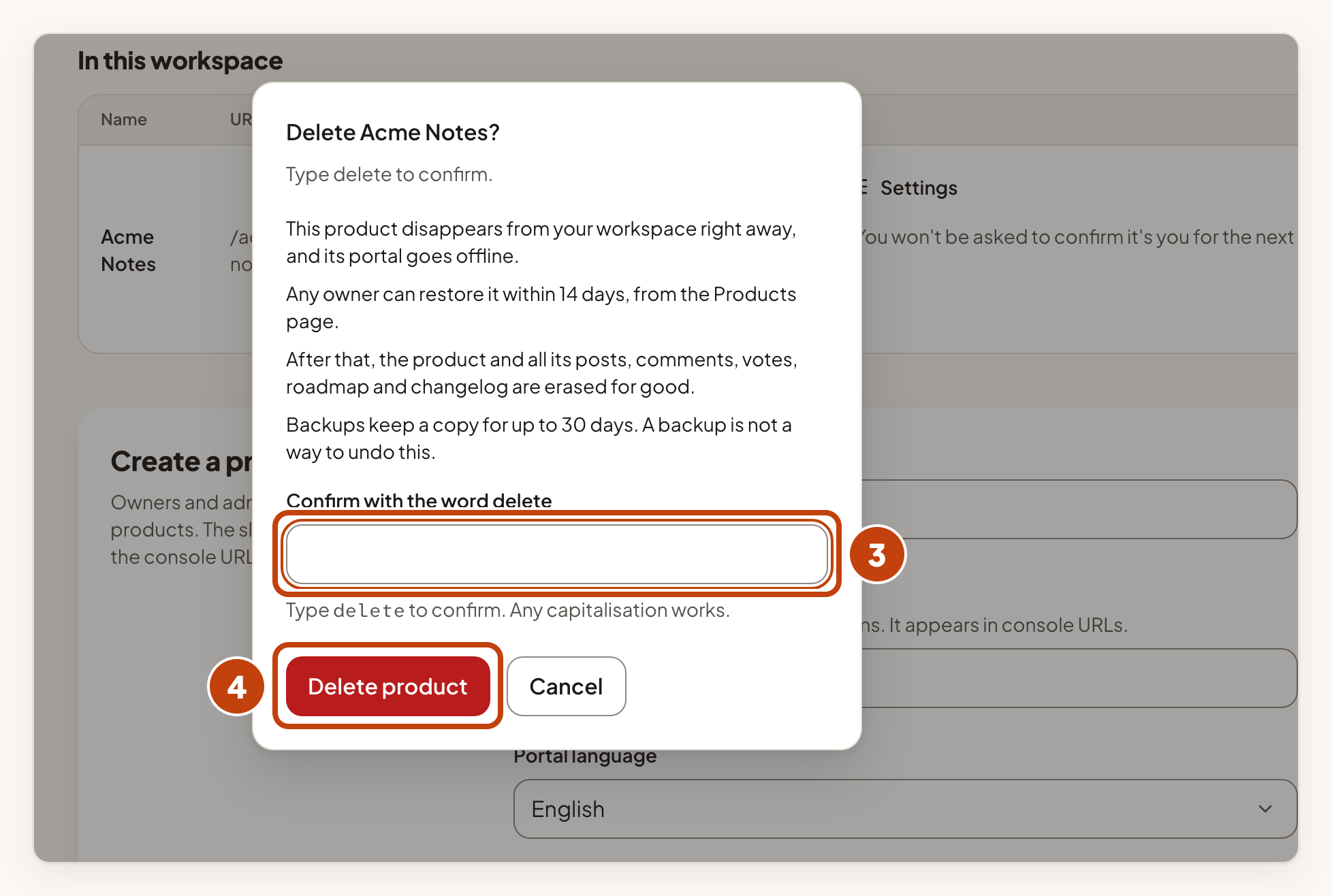
- Type
deleteinto Confirm with the word delete. Any capitalisation works. - Select Delete product.
The row now shows Scheduled for deletion and the date under Erased on. Any owner can restore the product until that date.
You can also open the product, select Product settings, then go to Product details. The section Delete this product does the same.
Restore a product
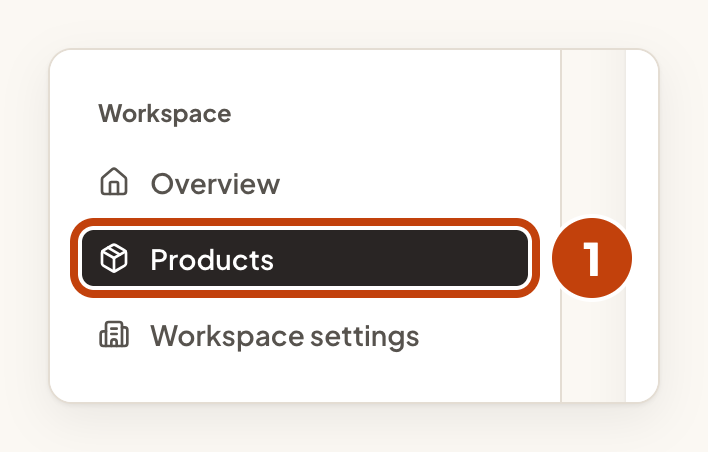
- Open Products.
- Find the product marked Scheduled for deletion.
- Select Restore on its row.
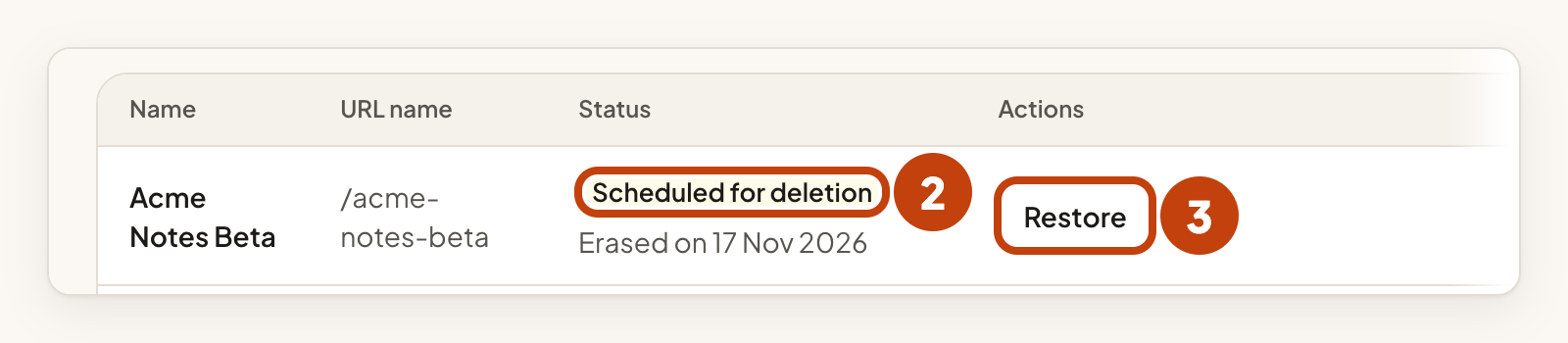
The product is back in your workspace with everything in it.
If you are not an owner, you see Scheduled for deletion. The page then says: Ask a workspace owner to restore it.
If restoring would take your workspace over its product or domain limit, you see a message and nothing changes. Free a place, then try again.
While the whole workspace is scheduled for deletion, you cannot restore a product.
Example
For example, Sam Taylor deletes the product Acme Notes Beta on 2 March. The row shows Scheduled for deletion and Erased on 16 March. On 10 March, Sam selects Restore, and the product is back with all its ideas.
